View a Query Category
To view or edit the properties of a Query Category:
-
Select Analytics from the top navigation bar, then select Settings > Categories from the side navigation menu. The Query Categories screen is displayed.
-
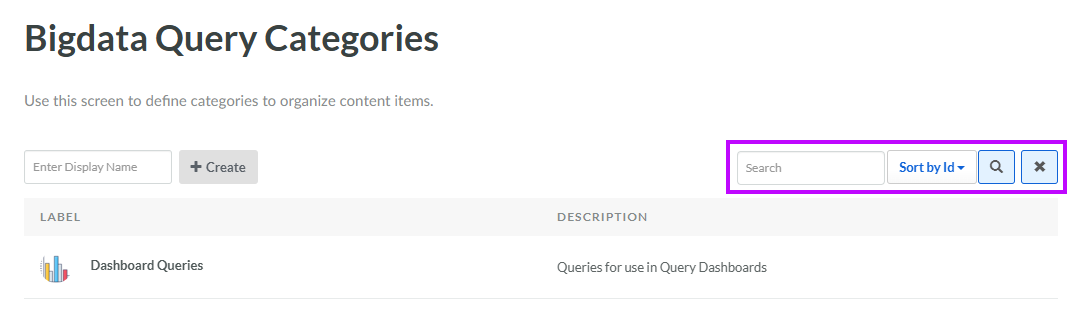
Optionally, enter a search string in the Search field. You can search for Query Categories based on their Display Name or Internal Name. Click the Search icon. The screen is refreshed to show only the Query Categories that meet your search criteria.
-
To sort the search results, select the desired sort order from the Sort By drop-down menu. The default sort order is by: Category ID.
-
Click the name of the desired Query Category. The Edit Query Category pop-up window is displayed.
-
Optionally, make any changes to the Query Category properties. For more information on these properties, see Create a Query Category.
-
Click Save.